Powerful and flexible
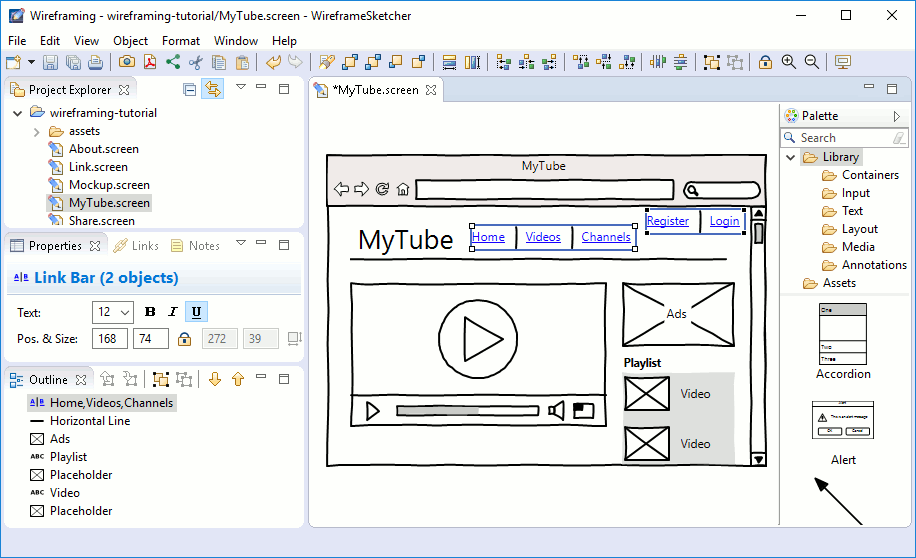
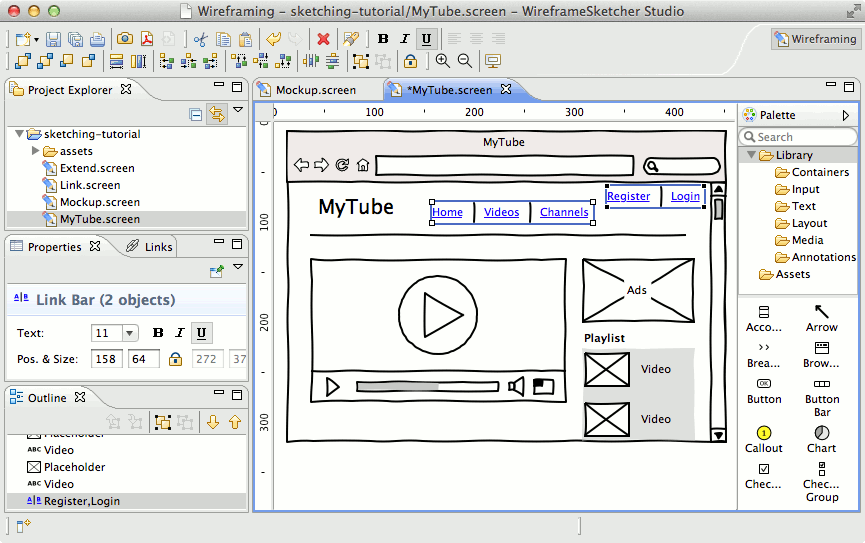
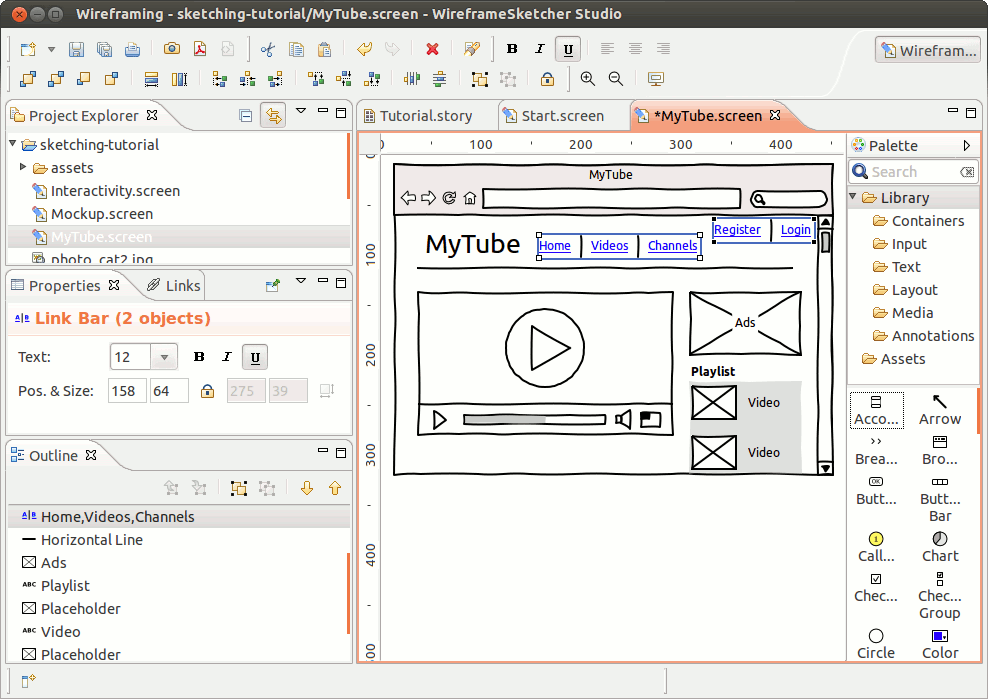
WireframeSketcher comes both as a standalone mockup and wireframe tool, but also as a plug-in for any Eclipse IDE. It’s cross-platform and has a native and fast UI on Windows, Mac OS X and Linux. Create anything from quick mockups to large prototypes. Built-in refactoring lets you painlessly rename and move files around without breaking links. Flexible UI lets you take advantage of multiple monitors.
Hand-drawn or clean look
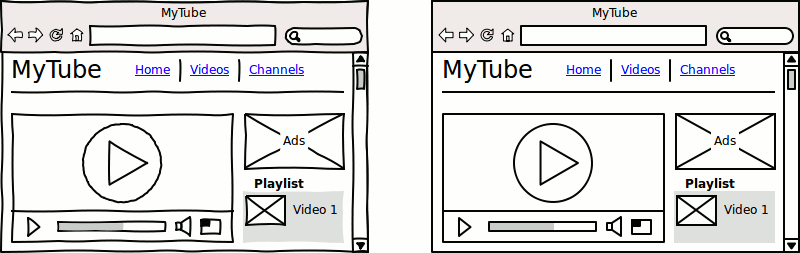
With WireframeSketcher you get rough, unfinished, hand-drawn look for your mockups. This way your stakeholders won’t be distracted by little details and you can focus on what’s important. When needed, you can instantly switch to a clean look.
Extensive library of UI controls
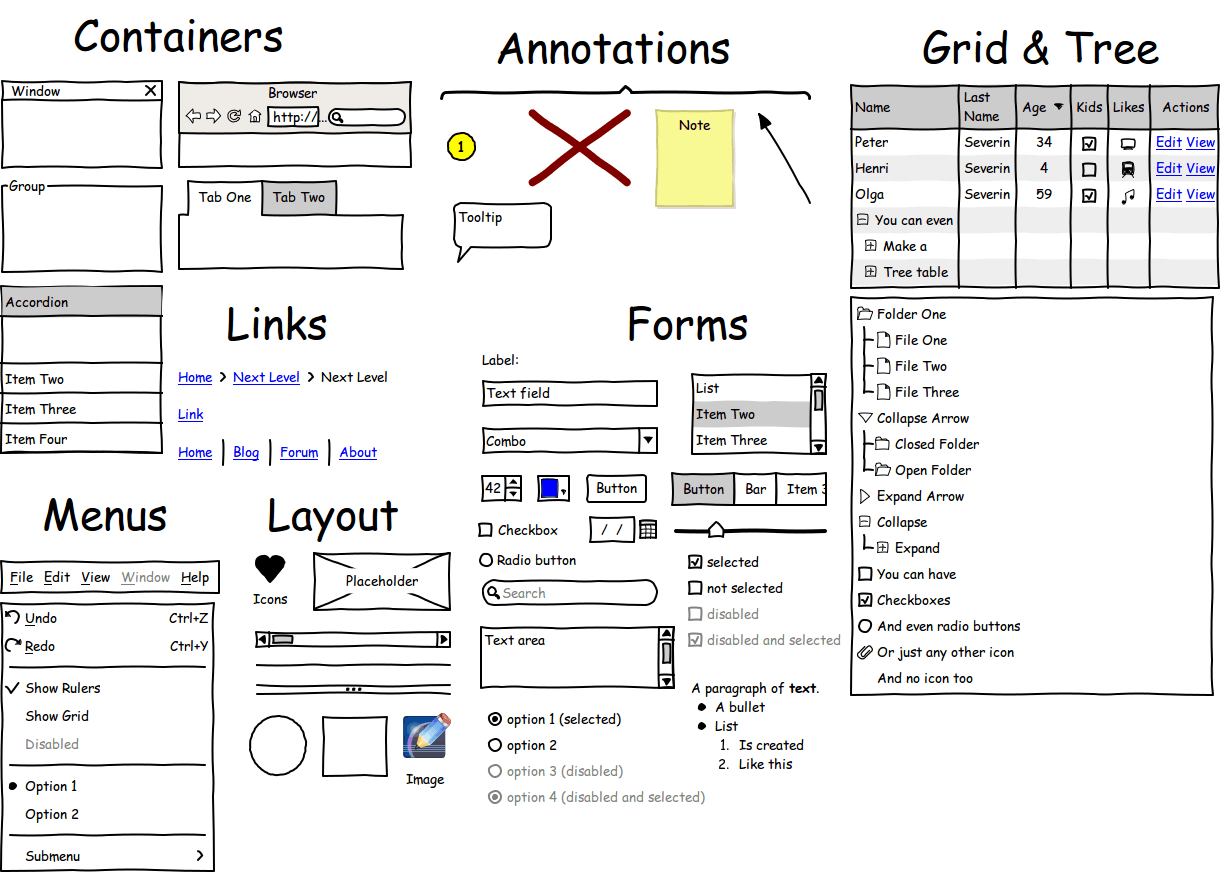
WireframeSketcher comes with an extensive set of UI controls. You’ll find buttons, checkboxes, trees, tables, you name it. Controls are very flexible and can be customized using properties and by applying wiki syntax directly in text.
Fast and easy to use
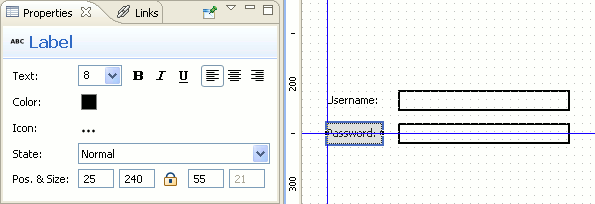
The interface is optimized for speed. Multiple shortcuts allow an efficient keyboard use. The properties view is streamlined to maximize your efficiency. Position objects quickly with grid snapping and smart guides.
Interactive Prototypes
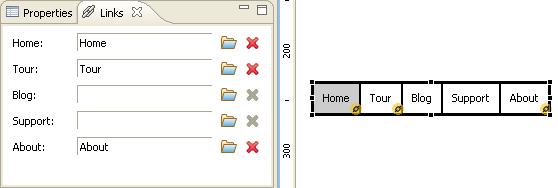
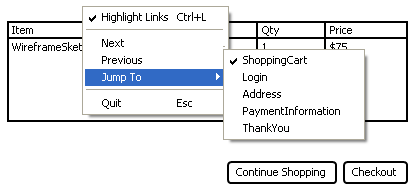
Use linking to create interactive prototypes. Present your prototypes in full-screen mode and click-through to show how the application or website is supposed work. Export your prototype to clickable, high-quality PDF (example PDF) and let your clients test it themselves.
Flexible wiki formatting
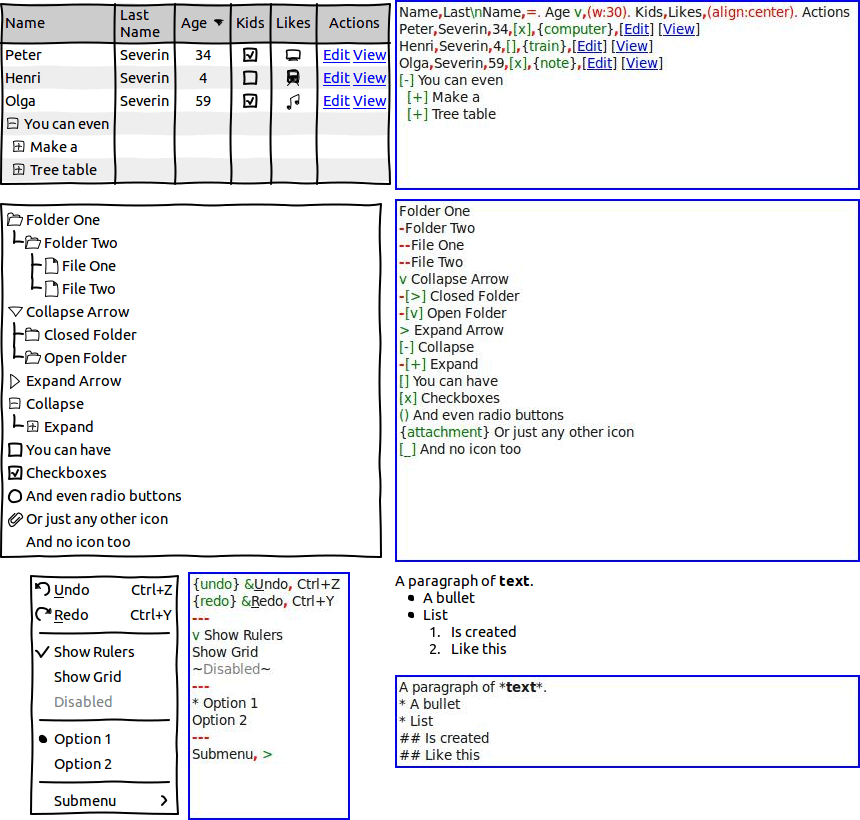
Wiki formatting lets you style any widget that supports text. Using a simple syntax you can make bits of text bold, italic, underlined and even insert icons to make checkboxes, radio buttons and more. Syntax highlighting saves you from getting lost in your text.
Use your own images
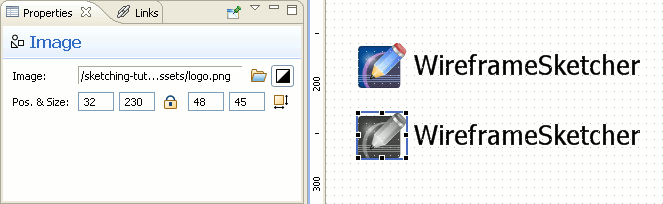
Missing a widget? Want to include a logo? WireframeSketcher lets you use your own images. Color images can be conveniently drawn in black and white to blend in with the overall look of the wireframe. And the best thing – you can use SVG vector graphic images which will even automatically get the hand-drawn look.
Large set of vector icons
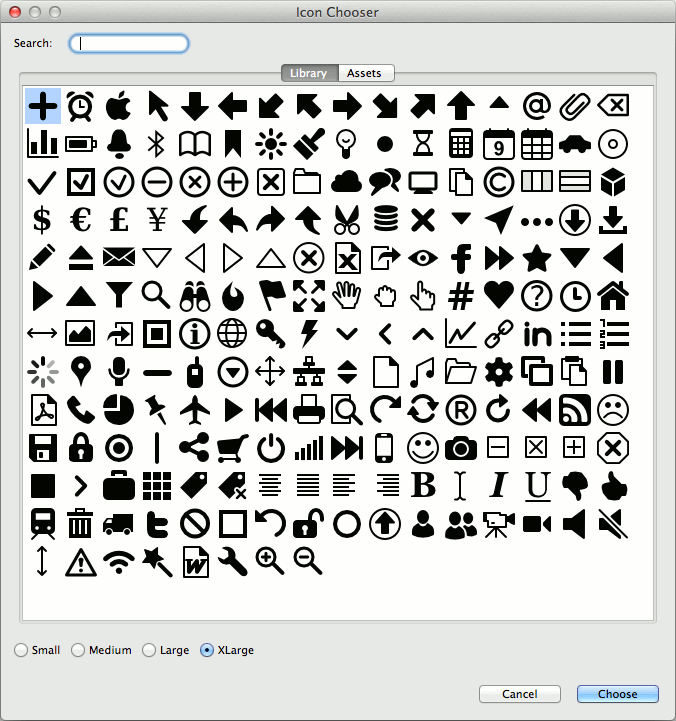
WireframeSketcher comes with 200+ vector icons that work great with wireframes and that are free to use in your own website or app. Icons work at any size, can be colored, rotated, and embedded in any text. To embed, just hit Ctrl+Space while editing a widget’s text and choose from the list. If these icons are not enough then just install extra icon packs from the stencils library.
Create reusable bits with Components
Do you need a common template, a master for all your screens? Want to reuse that standard dialog in multiple places? Use components to do just that. Changes to a component are instantly visible in all screens that use it. You can put them in the palette and create your own stencils. Any screen can be a used as a component. This means that creating screen variations is easy without any duplication. Easy inheritance mechanism lets you alter component’s instance without breaking the link to its origin.

Annotate your wireframes
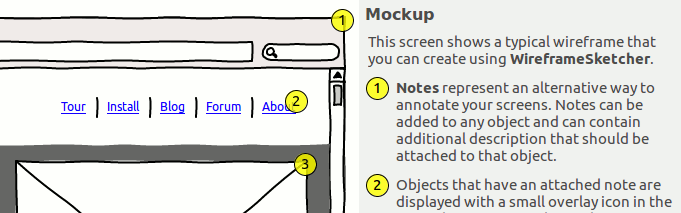
Annotate your wireframes directly in WireframeSketcher to provide more detailed specifications to accompany your design. Notes can be attached to whole screens, but also to individual objects.
Storyboard use-cases
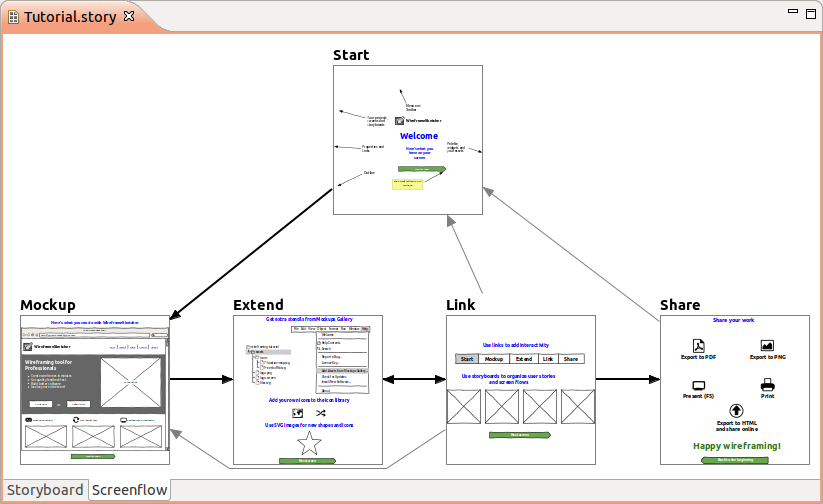
Storyboard your use-cases and show how the UI responds to user actions and changes in time. Use storyboards to make slideshow presentations and export multi-page, interactive PDFs or HTML.
Show off your work
Need to discuss an idea without other apps getting in your way? Want to make a presentation of the prototype to your client? Full-screen presentation mode is one click away. Want to send around your wireframes and storyboards? Just export your wireframes to high-quality PDF, HTML or PNG and you are all set. Upload and share exported HTML online on WireframeSketcher servers (wiresketch.com). You can always print out your wireframes on paper and then discuss them with your clients face to face.
High-quality PDF export
Export your wireframes to high-quality, vector PDF (example PDF) and easily share them. Using PDF format ensures that your clients can easily view and test your prototypes without having to install anything. PDFs are also great for sharing your concepts with designers. They can easily open your documents with their graphical tool of choice, copy texts, and import graphics.
Add extra stencils
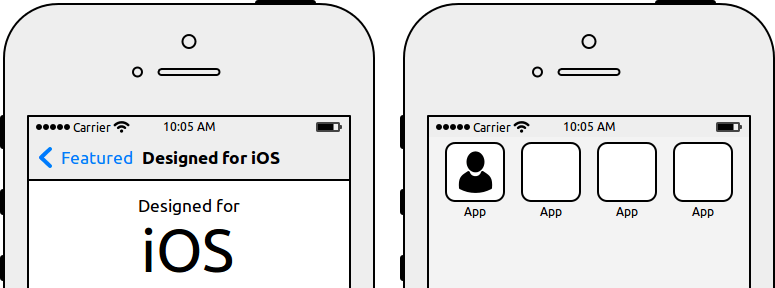
Make use of the user-contributed Mockups Gallery to jump-start your mockups and to get inspiration from. Find Android, iPhone, iPad, Windows Phone stencils, extra icons and other useful resources and share your own contributions with the community.
Open, XML-based format
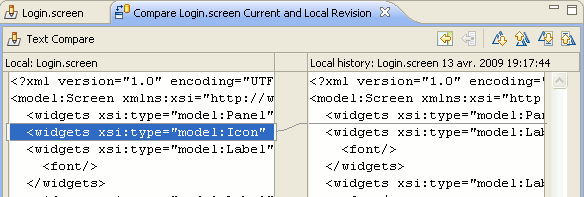
Wireframes are stored in an open XML-based format. You can easily store your screens under version control and use standard Eclipse tools to track changes and to perform diffs and merges when needed. Create your own tools around this format by using the open-source SDK.
Continuous development, Great support
WireframeSketcher is driven forward by user feedback and is continuously improved. We have a history of regular releases since 2008. By choosing WireframeSketcher you choose a wireframing tool that is alive. Frequent releases ensure that any issue you report is fixed swiftly. We take pride in offering excellent support.